
Forum module in PrestaShop gives your customers possibility to discuss and comunicate with each other. Users may discuss your products, services, payment options or anything else, while administrators may consults customers and make polls, making you shop more reliable and rich of information. Module also has facebook's „Like“ and „Share“ functions to advertise your shop on social networks.
Description:
Features:
Back office
Categories:
- Create categories.
- Set category accessibility (Register users, visitors or make it accessible for only certain groups).
- Lock/Open categories
- Manage categories.
- Set order of categories, using simple drag and drop function
Topics and posts:
- Edit topics.
- Delete topics.
- Lock/Opne topics
- Edit replies
- Delete replies.
- Edit polls.
- Delete polls.
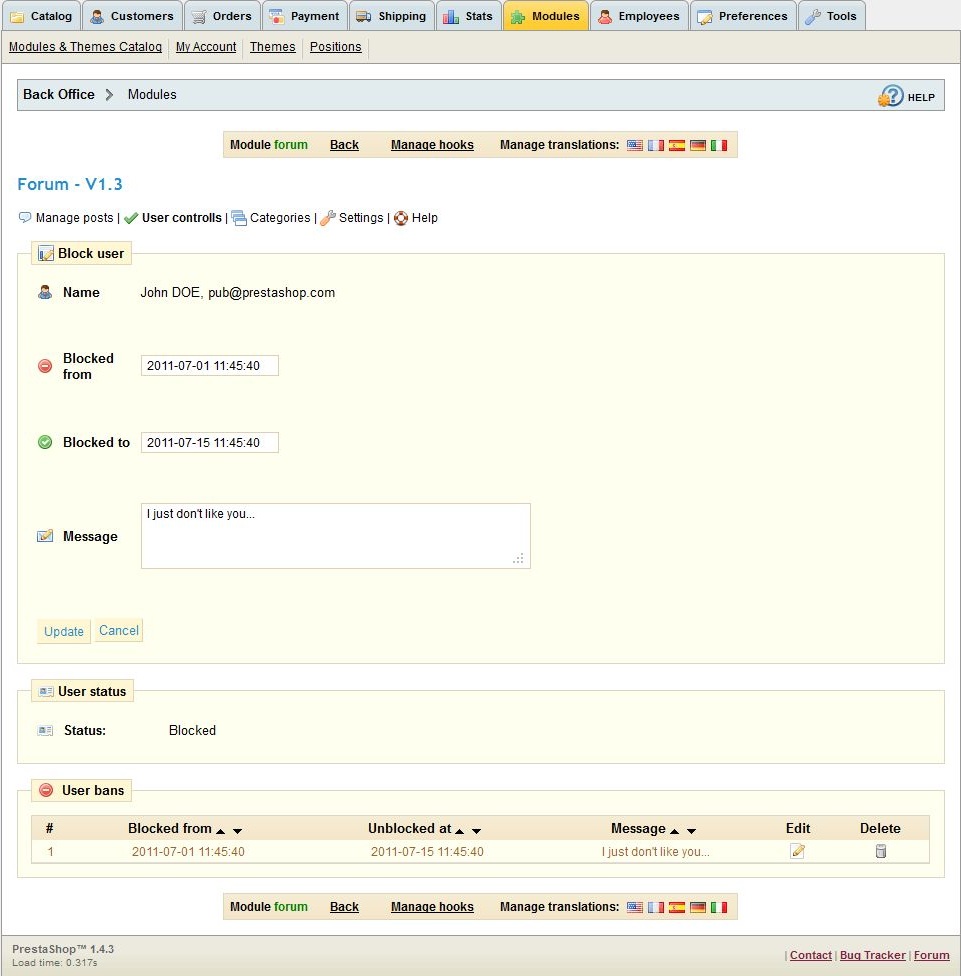
User controlls:
- Find user by it's name, lastname or email.
- Block users.
- Set the period of time for user to be blocked.
- Add message for blocked user to be seen (optional).
Forum settings:
- Specify number of topics and replies to be shown per page.
- Enable/Disable facebook's “Like” and “Share” buttons.
- Specify whether users may edit their posts.
- Specify whether users may delete their posts.
- Specify whether only categories, that user has been granted access to, will be displayed.
- Specify whether visitors can post in forum.
- Manage file extensions for image upload
- Specify whether users may create polls.
- Specify max number of options to be created in polls.
- Specify order of replies (new replies is shown first, new replies is shown last).
Front office
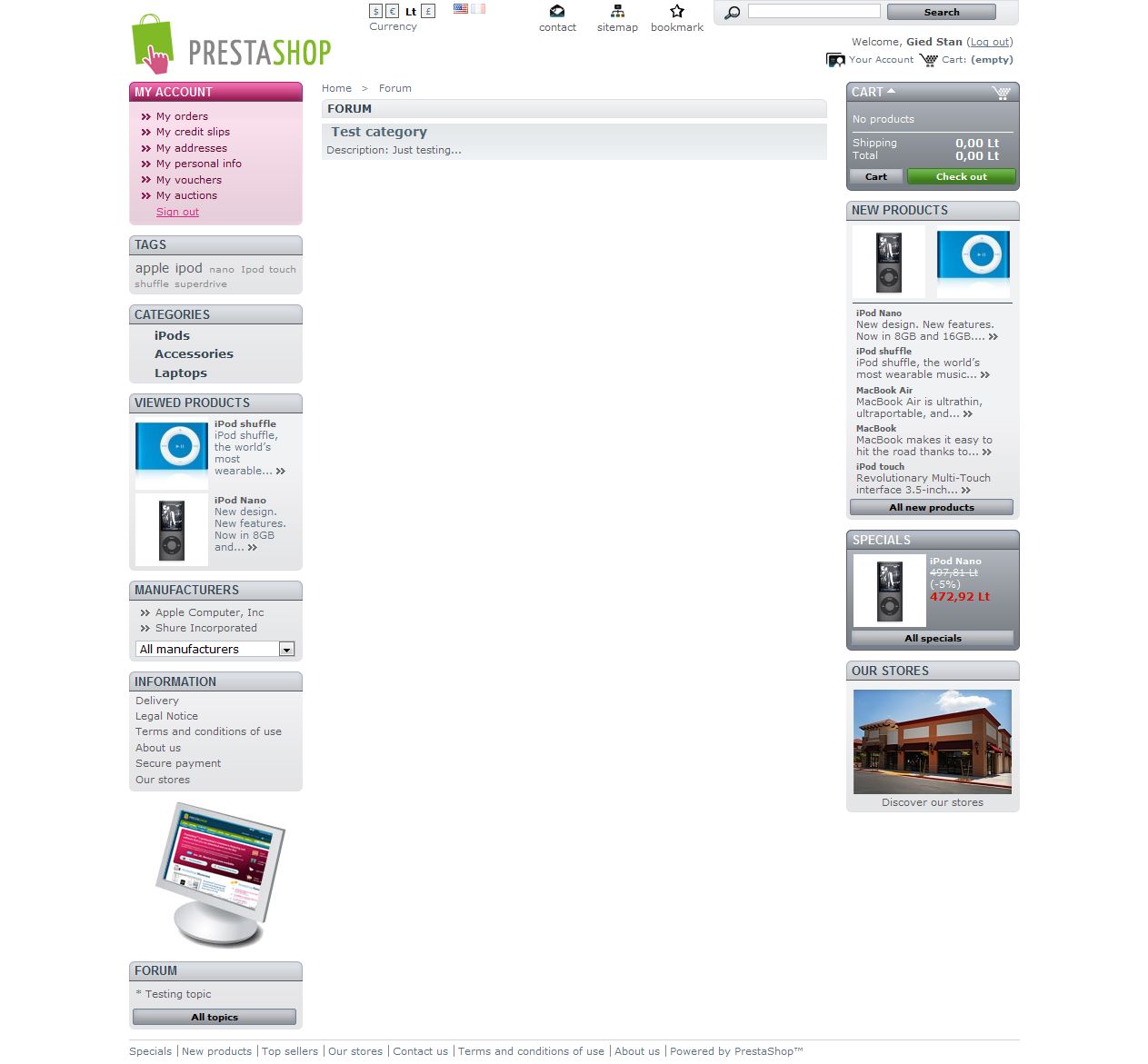
- Create topics.
- Edit your topics and replies.
- Delete your topics and replies.
- Create polls.
- Set poll's expiration date.
- Replies quotation.
- Use BB code (Bulletin Board Code) to format topics and replies
- Bold text.
- Underline text.
- Italic text.
- Quotation.
- Insert image.
- Insert link.
- Insert video from YouTube.
- Upload image.
Installation:
- Installation of module is very easy. Just unzip your archive and upload it’s content to your PrestaShop root catalog (except for readme catalog).
- Set permissions 777 to /themes/yourThemeName/ and /modules/forum/upload/ folders. (if you do not know how, google chmod 777)
- Install it in admin panel.
Additional notes:
- Internet explorer issues
- If you have friendly url enabled, add this line in your .htaccess file, which is located in your PrestaShop root catalog:
To make Facebook's "Like" and "Share" functions works in Internet Explorer 6 you need to modify header.tpl file which is located in /themes/yourThemeName/ category. Replace this line:
with this line:
Screens:






Demo:
PrestaShop v1.3:
Demo address: http://www.invertus.lt/demo/ps13/
Demo admin address: http://www.invertus.lt/demo/ps13/admin1/
Our module can be found in Modules tab -> "Invertus" section.
PrestaShop v1.4:
Demo address: http://www.invertus.lt/demo/ps14/
Demo admin address: http://www.invertus.lt/demo/ps14/admin1/
Our module can be found in Modules tab -> "Other Modules" section.
Demo user login:
username: demo@invertus.lt
password: demologin
Demo address: http://www.invertus.lt/demo/ps13/
Demo admin address: http://www.invertus.lt/demo/ps13/admin1/
Our module can be found in Modules tab -> "Invertus" section.
PrestaShop v1.4:
Demo address: http://www.invertus.lt/demo/ps14/
Demo admin address: http://www.invertus.lt/demo/ps14/admin1/
Our module can be found in Modules tab -> "Other Modules" section.
Demo user login:
username: demo@invertus.lt
password: demologin
Contacts:
Support: donatas@invertus.lt
More info: www.prestashopdocumentation.info
By Ltd Invertus www.invertus.lt
More info: www.prestashopdocumentation.info
By Ltd Invertus www.invertus.lt